
Retail
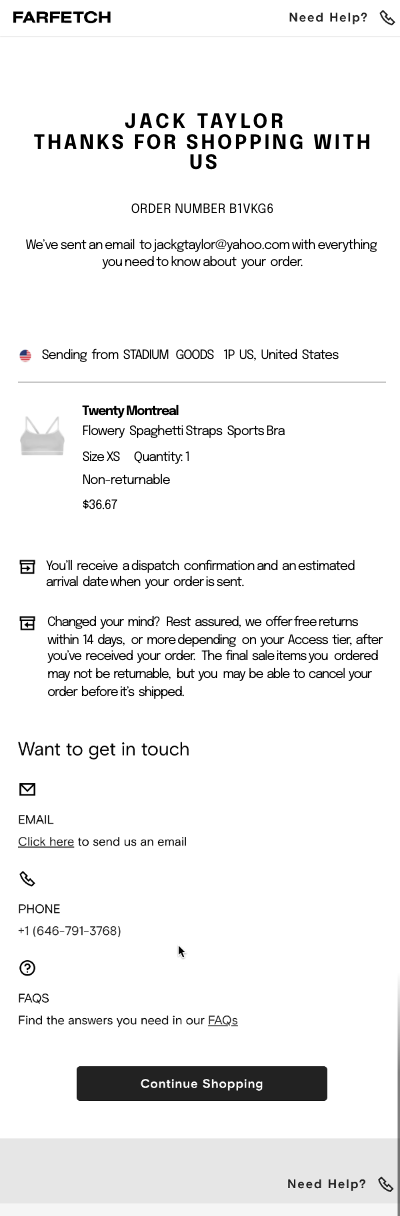
Farfetch receipt template - mobile version
Customize this retail template in DocDesk—edit every field, then download as JPG or PDF.
About this template
Farfetch Mobile App Receipt Template
Customize and download instantly. Fully editable and exact.
Why Do People Need a Receipt from Farfetch?
Receipts serve as proof of transaction and are essential for:
- Tracking Purchases: Customers can keep track of their spending on luxury fashion items.
- Returns and Exchanges: Receipts are required to process returns or exchanges, ensuring customers can shop with confidence.
- Warranty Claims: For items with a manufacturer's warranty, receipts may be necessary to make a claim.
- Financial Management: Receipts help in managing budgets and are crucial for financial record-keeping.
What Is Typically Shown on a Receipt from Farfetch?
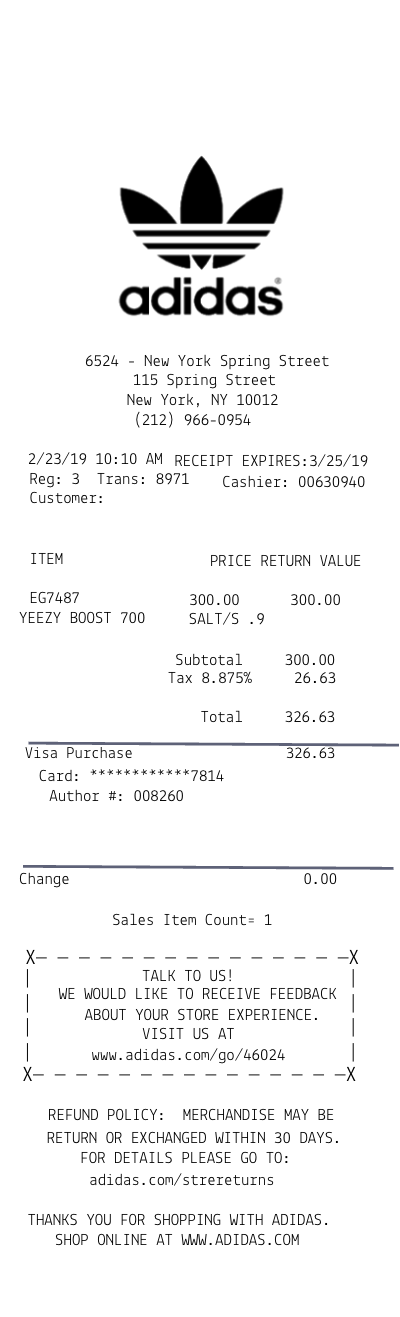
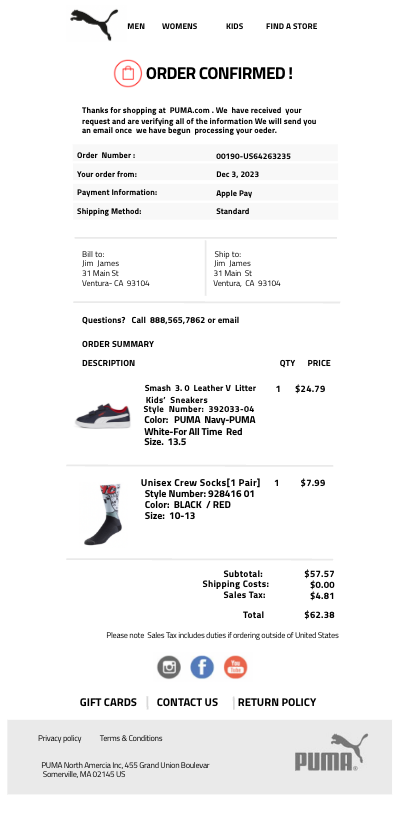
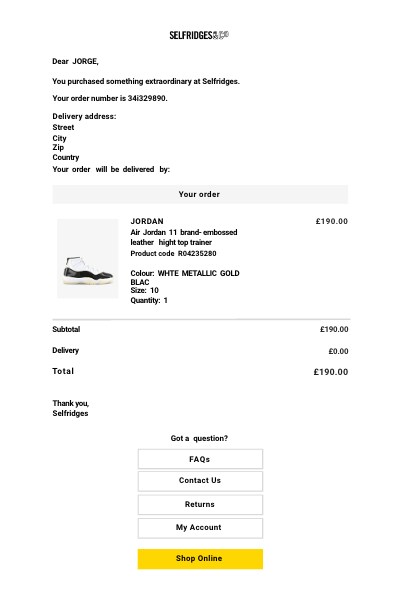
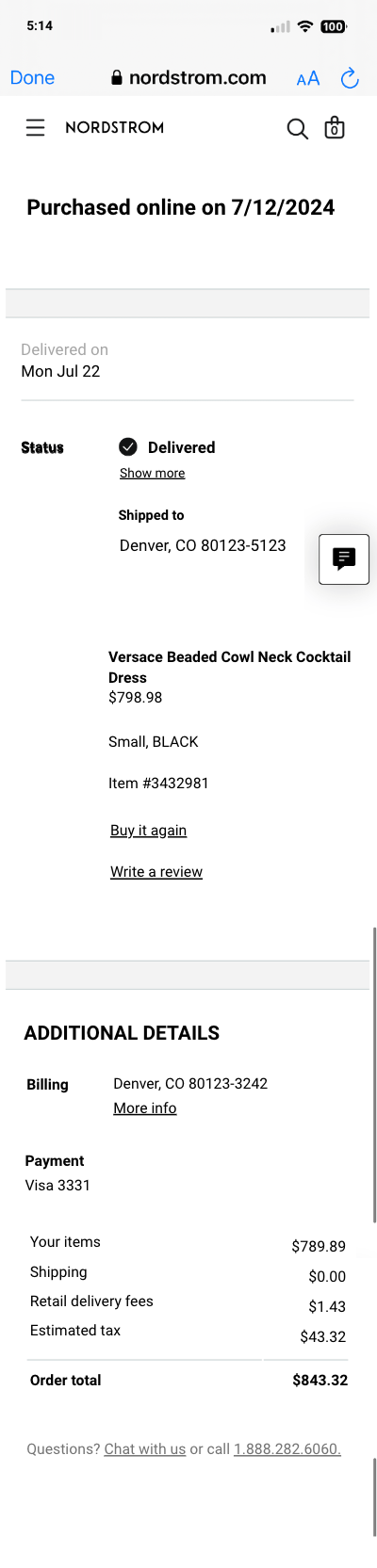
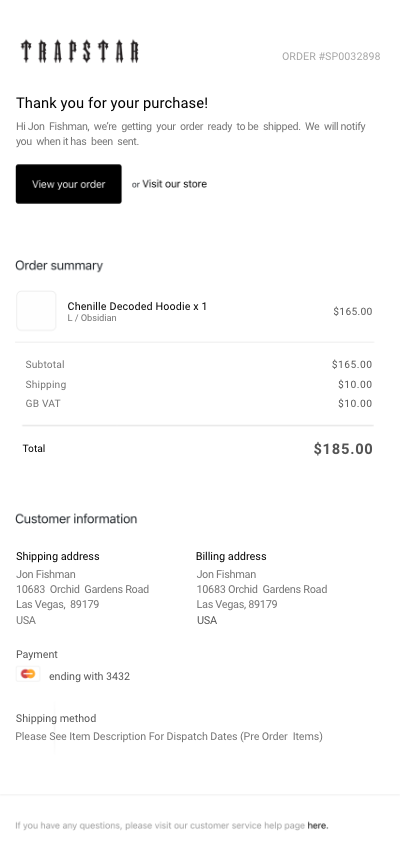
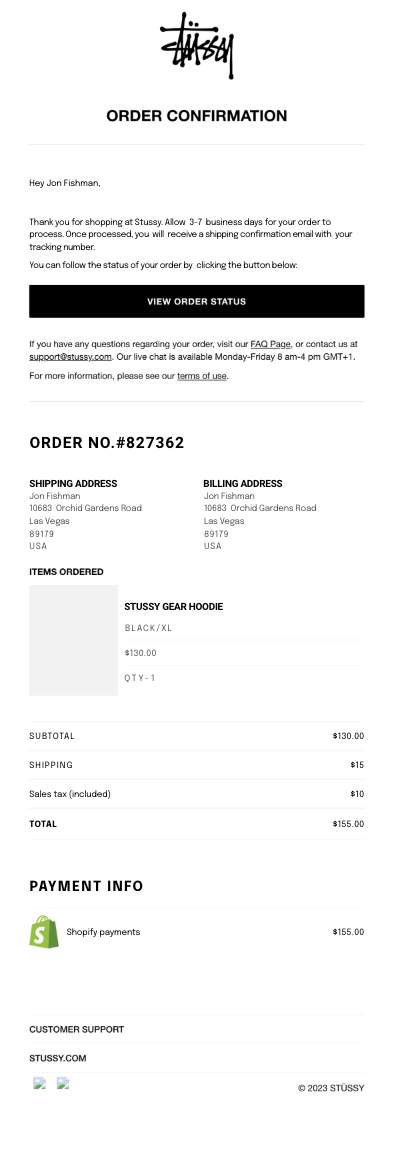
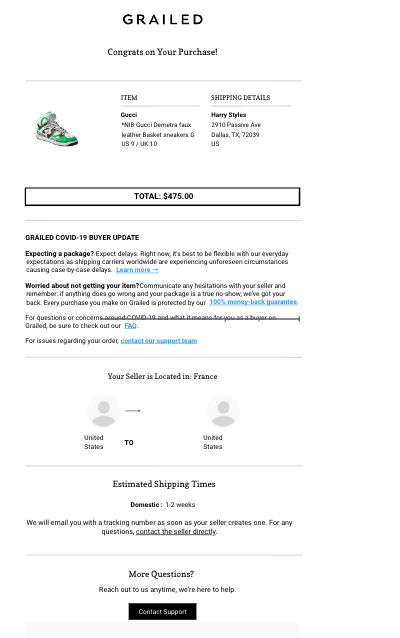
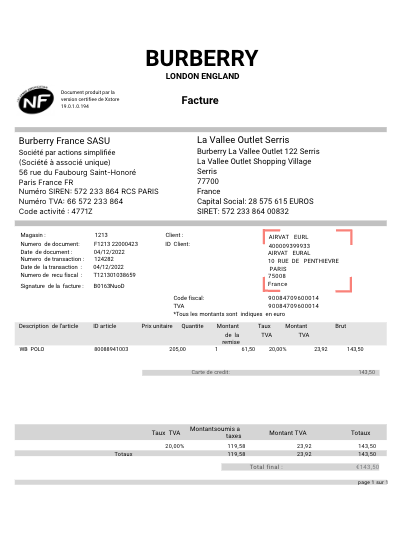
A Farfetch receipt, particularly from the mobile app, typically includes:
- Transaction Details: Date, time, and location of the purchase.
- Itemized List of Purchases: Product name, size, color, quantity, and price.
- Payment Information: Total amount paid, payment method (credit card, PayPal, etc.), and transaction ID.
- Order Number: Unique identifier for the transaction.
- Customer Information: Name and shipping address.
- Return Policy: Brief overview of the return policy and instructions.
- Customer Support Contact: Information for customer service inquiries.
Where Does Farfetch Do Business?
Farfetch operates on a global scale, offering luxury fashion items from boutiques and brands worldwide. They do business in over 190 countries, providing a platform for customers to access a vast selection of luxury goods from anywhere in the world.
How Can Someone Get a Duplicate Receipt from Farfetch?
To obtain a duplicate receipt from Farfetch, customers can:
- Use the Mobile App: Navigate to your order history in the Farfetch app and select the order for which you need a duplicate receipt. There's often an option to view and save your receipt.
- Contact Customer Service: If you can't find the receipt in the app, contact Farfetch customer service through email, phone, or live chat. Provide them with your order number and the email address associated with your account, and they will assist you in obtaining a duplicate receipt.
For further assistance, please don't hesitate to contact our customer support team.